
A Short History of Mobile Apps: From Snake to App Stores

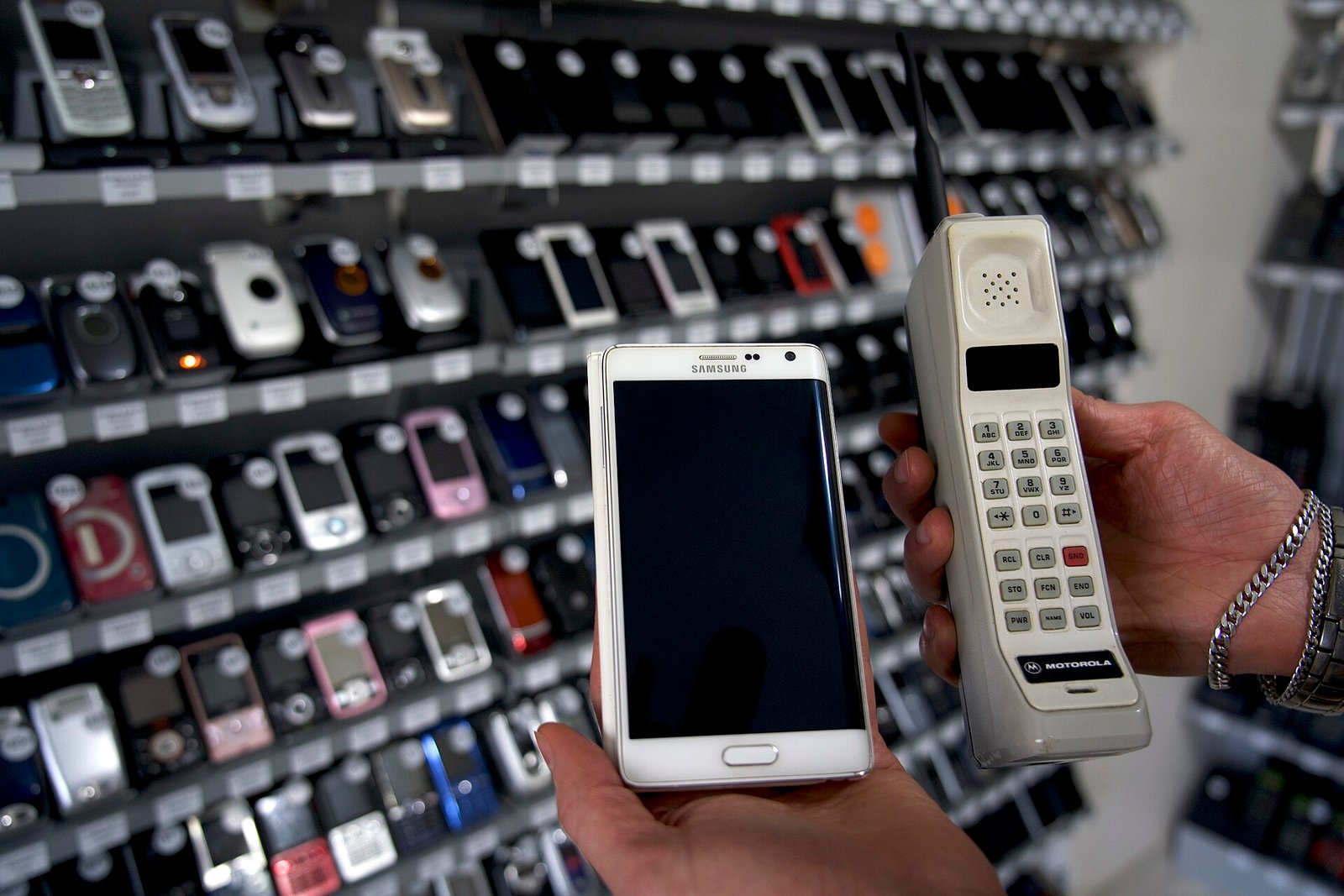
In 1997 a phone game called Snake came pre-installed on Nokia handsets and millions of people played it on a tiny green screen. Today, people in India pay for their tea with an app, and a phone can do the job of a bank, a camera, a map and a shop. This guide tells the story of mobile apps, shows what an app really is under the hood, and helps you decide how to build one, with a tool that recommends an approach based on your answers.
| What you will learn | How apps work, a short history, and how to choose how to build one |
| Level | Beginner |
| Needs | No coding, though code samples are included |
| Time | About 20 minutes |
| Reading time | 10 min read |
What is an app, really
An app is a program built for a phone or tablet. Most apps have the same three parts. The screen, called the front end, is what you see and tap. The logic decides what happens when you tap, such as checking a form. And a server, called the back end, stores data and does work that should not run on your phone, such as checking your account balance. The app and the server talk over the internet using a standard format, usually JSON.
1. You tap
The app on your phone collects the amount and the recipient from the screen.
2. A request goes out
The app sends a request to the server over a secure internet connection (HTTPS).
3. The server checks and acts
It checks your identity, your balance and the rules, then records the payment.
4. A response comes back
The server replies with success or an error, in a small JSON message.
5. The screen updates
The app shows the green tick or an error message, and may send a notification.
A short history of mobile apps
1997: Snake on Nokia
A simple game on the Nokia 6110 becomes one of the first mass-market mobile games.
2007: iPhone
The first iPhone arrives with a touchscreen, a real web browser and no outside apps at first.
2008: App Store and Android Market
Apple opens the App Store on 10 July 2008 with 500 apps, and about 10 million downloads happen in the first weekend. Google launches Android Market later in 2008.
2015 to 2018: Cross-platform tools
React Native and Flutter let one codebase run on both Android and iPhone.
2016: UPI in India
India launches the Unified Payments Interface, which turns the phone into a payment tool.
The store was the real invention. Before 2008, installing software on a phone was awkward and each maker had its own system. A single trusted store let any developer reach millions of buyers, and gave rise to a new industry. By 2024 the Apple store alone listed around two million apps.
Four ways to build an app
| Approach | Languages | Strengths | Weaknesses |
|---|---|---|---|
| Native | Kotlin (Android), Swift (iPhone) | Best performance and full device access | Two separate apps to build and maintain |
| Cross-platform | Dart (Flutter) or JavaScript (React Native) | One codebase for both phones | Depends on the framework, some features need native code |
| Progressive Web App | HTML, CSS, JavaScript | No store, instant updates, works offline | Fewer device features, limited on iPhone |
| Responsive website | HTML, CSS, JavaScript | Cheapest and works everywhere | Not an app-store app, no home-screen presence without extras |
Here is the same tiny counter in four of these styles, so you can see how different they look. Each draws a button that counts clicks.
// Kotlin (Android, Jetpack Compose)
@Composable
fun Counter() {
    var count by remember { mutableStateOf(0) }
    Button(onClick = { count++ }) { Text("Clicked $count times") }
}
// Swift (iPhone, SwiftUI)
struct CounterView: View {
@State private var count = 0
var body: some View {
Button("Clicked \(count) times") { count += 1 }
}
}// JavaScript (React Native)
export default function Counter() {
const [count, setCount] = useState(0);
return <Button title={`Clicked ${count} times`} onPress={() => setCount(count + 1)} />;
}// Dart (Flutter)
class _CounterState extends State<Counter> {
int count = 0;
@override
Widget build(BuildContext context) => ElevatedButton(
onPressed: () => setState(() => count++),
child: Text('Clicked $count times'),
);
}A Progressive Web App needs only a web page plus a small file called a manifest that tells the phone how to install it:
{
  "name": "My Shop",
  "short_name": "Shop",
  "start_url": "/",
  "display": "standalone",
  "background_color": "#ffffff",
  "icons": [{ "src": "/icon-512.png", "sizes": "512x512", "type": "image/png" }]
}
Try it: which approach should you choose
Answer five questions. The tool scores the four approaches and recommends one. It is a rule of thumb for planning, not a substitute for talking to a developer.
Getting an app into the stores
- Create a developer account. Apple charges an annual fee and Google charges a one-time fee at the time of writing, so check the current prices.
- Prepare an app icon, screenshots, a description and a privacy policy. Both stores require a privacy policy for apps that collect data.
- Build a signed release version of the app.
- Upload it, fill in the store listing and submit for review. Apple reviews every app by hand, and Google uses a mix of automated and manual checks.
- After approval, monitor crash reports and reviews, and release updates regularly.
If your app uses ads or takes payments, both stores have strict rules. Never ask for permissions you do not need, and never collect personal data without telling users why. This protects your users and your app listing.
India: the phone as a bank
India’s biggest app story is UPI. The Unified Payments Interface was launched in a pilot on 11 April 2016 with 21 banks, and is run by the National Payments Corporation of India under Reserve Bank of India rules. It lets any UPI-enabled app on any phone send money from one bank account to another in seconds, using a simple handle instead of long account numbers. By August 2025 UPI handled about 20 billion transactions in a single month, which makes it one of the largest real-time payment systems in the world.
Cheap smartphones and cheap data helped. Millions of Indian users came online for the first time through a phone, so many Indian apps are designed to be light, to work on slow networks and to support regional languages. If you are building for India, test on a low-cost Android phone, not only on the latest model.
Mind map: mobile apps
- Mobile apps
- Parts
- Screen
- Logic
- Server
- JSON
- History
- Snake 1997
- iPhone 2007
- App Store 2008
- UPI 2016
- Approaches
- Native
- Flutter
- React Native
- PWA
- Website
- Publishing
- Developer account
- Privacy policy
- Review
- Updates
- India
- UPI
- Low-cost Android
- Regional languages
- Parts
Test yourself
Frequently asked questions
Do I need to learn both Kotlin and Swift?
Only if you go fully native. Cross-platform tools let you write one codebase in Dart or JavaScript.
Can I make an app without coding?
There are no-code tools for simple apps, but you trade control and long-term flexibility for speed.
How much does it cost to publish?
Both stores charge a developer fee, and the amounts change, so check the official sites before you plan.
Is a PWA a real app?
It installs to the home screen and can work offline, but it lives outside the app stores and has fewer device features.
Where to go next
The hardware story behind every app.HTML, CSS and JavaScript
The skills a PWA is built on.What Is Version Control?
Keep your app code safe.The Transistor
The tiny part inside every phone.
Sources
- App Store (Apple), Wikipedia, launch date, launch numbers and store size
- Unified Payments Interface, Wikipedia, UPI launch and volume figures
- Progressive web apps, MDN Web Docs, how PWAs work
Facts were cross-checked and rewritten in our own words. Code samples are short original examples and were not compiled for this article.